
Access disallowed. You are visiting from “” while authorized users should come only from “http://natas5.natas.labs.overthewire.org/”
So it looks like we need to setup a referrer in order to proceed. There are a couple addons that will let us change this, but I prefer to give burp suite a shot.
To set this up, load up burp suite and then go to Proxy > Options
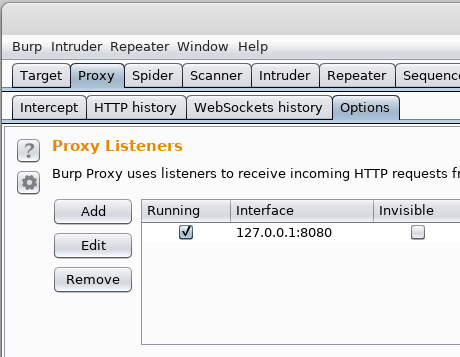
This will show us the current port / interface burp is listening on (default is localhost:8080)
After checking that, we need to change our proxy settings to go through burp
In firefox: preferences > advanced > network > settings > manul proxy configuration
set localhost as the proxy and port 8080
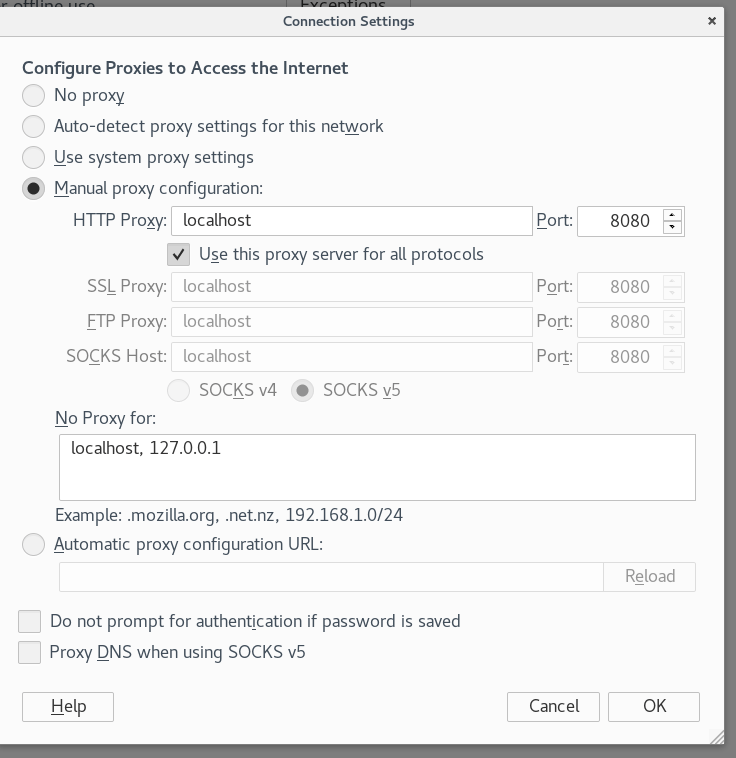
After that is set up, let’s reload the page and we should see the traffic show up in burp under the Intercept tab
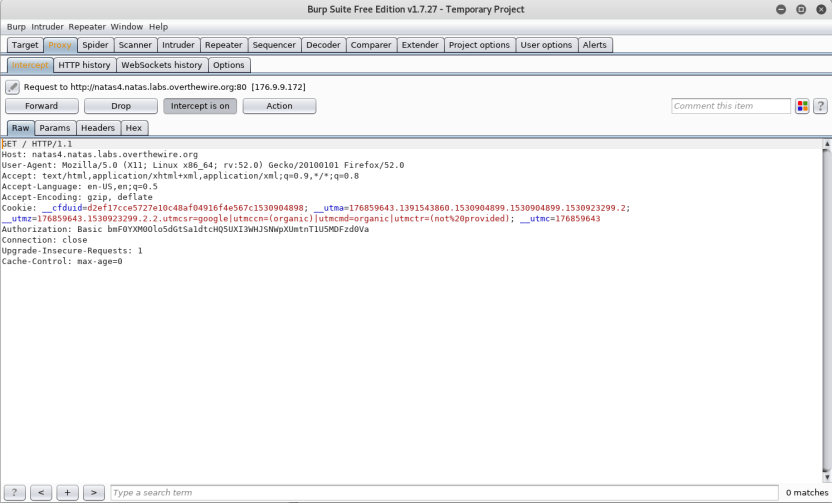
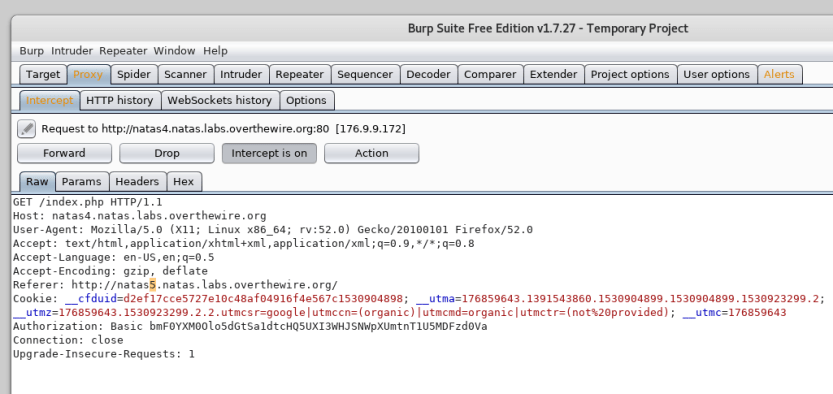
Alright, so if we forward a couple packets we can see what is being sent, but nothing has the referrer flag yet.
Let’s click Refresh page, that should give us a referrer.
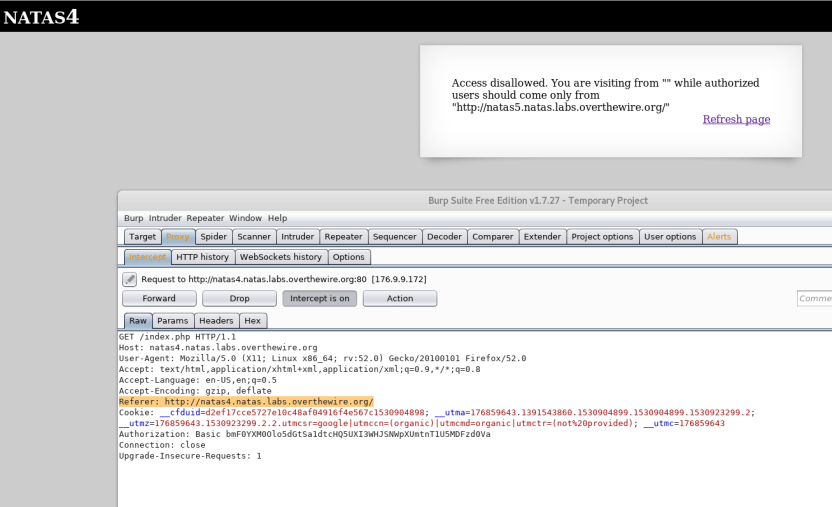
There we go!
Now let’s modify this to natas5 and send it on its way!
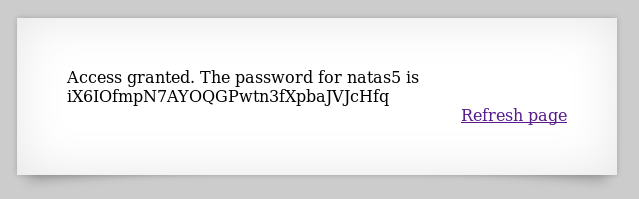
and it looks like that did the trick!
 Killian Sherer