
Initial setup
Now that I have a working Pi (that was actually a lot easier than I thought it would be…) I just need to setup a couple things to save my sanity and secure this thing.
Step 1: Add an alias for cls because I am lazy.

That went well… Step 1.1 – install vim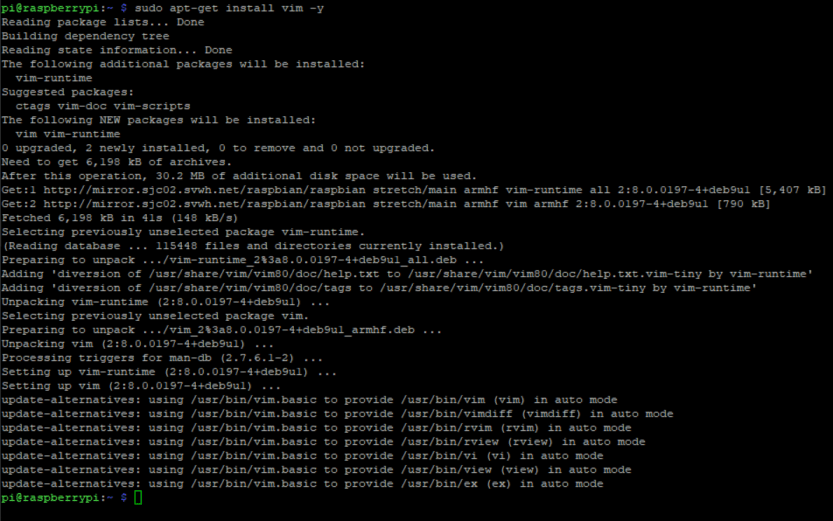
Now we make our alias
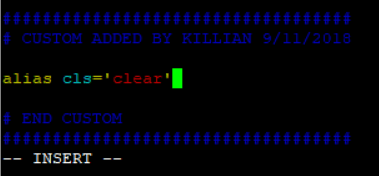
Which reminds me – vim is ugly and we need to use a better color scheme.
For now I will use the pablo color scheme.
vim ~/.vimrc
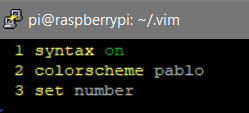
Now to set the password and hostname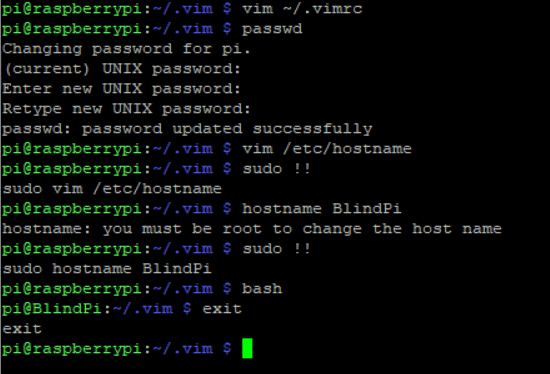
Next up, securing SSH…
 Killian Sherer