
Securing SSH
Before I begin, I figure it’s a good idea to ditch the pi account and use a named account.
To do this, I created a new account 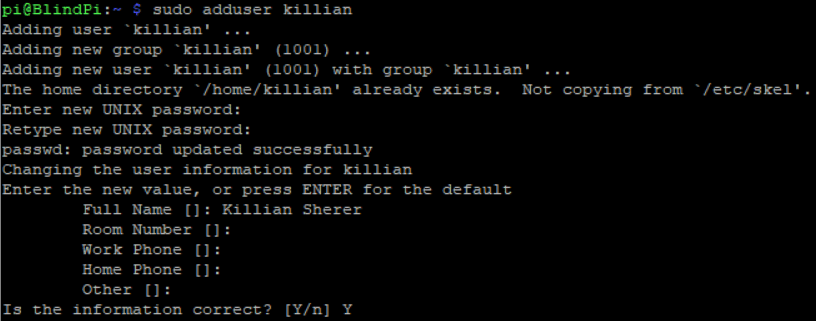
Then I checked what groups pi was a member of and added them
groups pi
and added them to my new account
Now to test

Looks good!
Now for the actual ssh fun!
First step is changing the default port and setting a rule in the firewall to allow traffic on that port.
I have to be extra careful here because if I take down the pi’s network so I can’t ssh, I am back to square one of the blind pi project!
sudo vim /etc/ssh/sshd_config
After setting the port – I went to check the firewall and noticed that I do not have UFW installed – not okay!
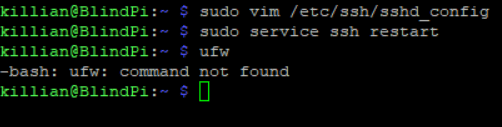
Success!
Next up – installing UFW and setting up some 2FA
 Killian Sherer